Sommaire
In brief
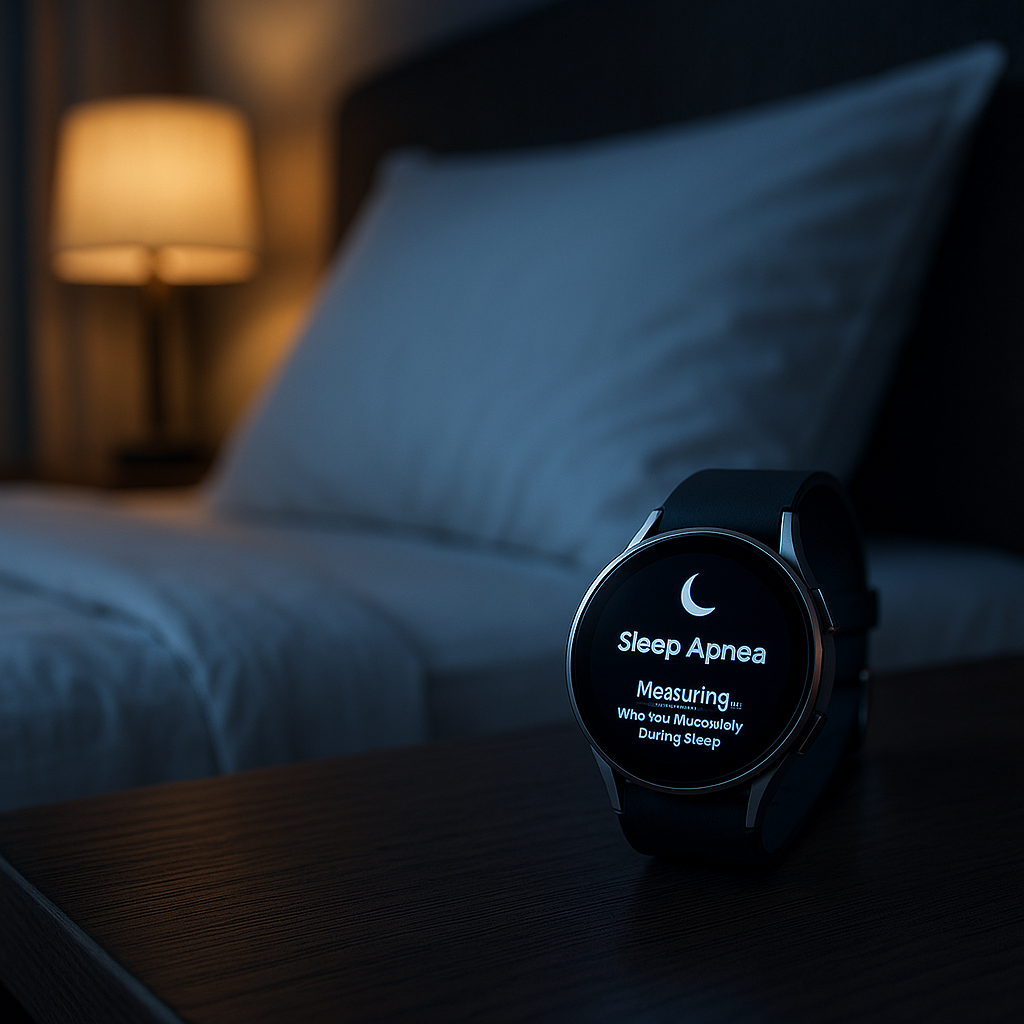
Samsung now offers a sleep apnea detection feature on the Galaxy Watch4 and newer models, available in more than 70 countries including France. This innovation uses your watch to measure oxygen saturation and detect micro-awakenings over two consecutive nights, in order to calculate an apnea index (AHI). In this guide, you will find all the necessary prerequisites, the detailed activation procedure, common issues and their solutions, as well as a comprehensive FAQ to make the most of this feature.
1. Why and how did this feature come about?
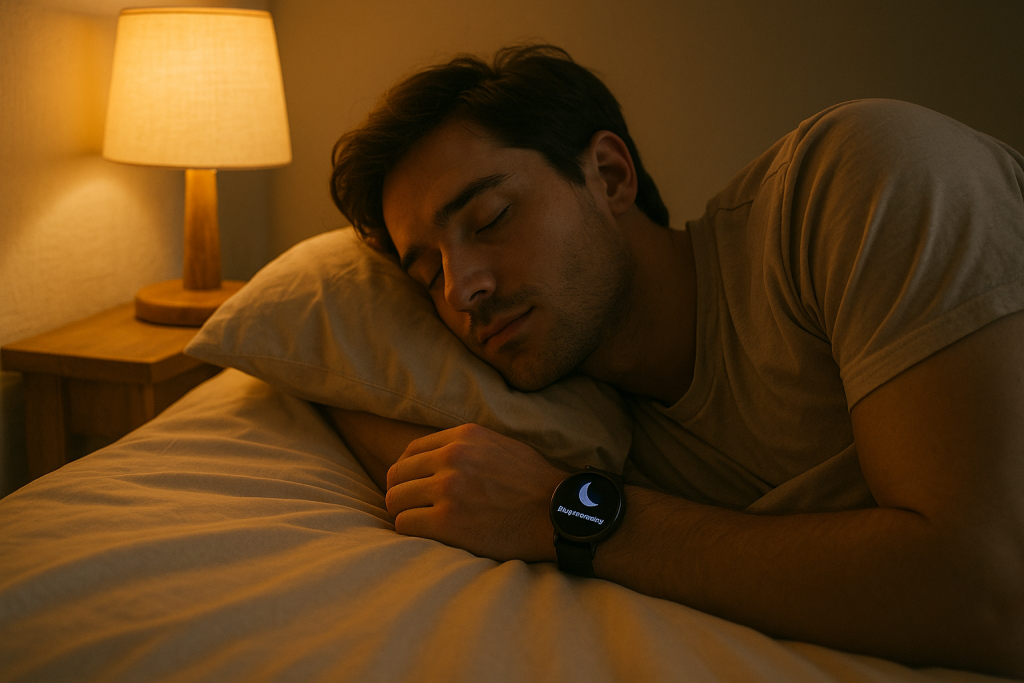
Obstructive sleep apnea is a common disorder that causes breathing pauses that can exceed 10 seconds, occurring several dozen times per night. The consequences are severe: daytime fatigue, morning headaches, cardiovascular disorders, and metabolic risks. Until now, screening required a laboratory visit for polysomnography. Samsung wanted to democratize this monitoring by relying on the Galaxy Watch and its BioActive Sensor, and obtained CE and FDA certifications to offer a preliminary alert tool accessible at home.
2. Essential prerequisites
First of all, it is essential to verify that your equipment meets the criteria. Your watch must be a Galaxy Watch4, Watch5, Watch6, Watch7, or Watch Ultra, and run Wear OS 5.0 complemented by One UI Watch 6.0 (updated via Galaxy Wearable). The companion smartphone, meanwhile, must operate on Android 12 or later, in order to accept the latest edition of the Samsung Health Monitor app, available exclusively on the Galaxy Store. Finally, your Samsung account must be set up in France (or in one of the 34 eligible European countries) to unlock the feature.
3. Activation procedure
On the watch, open the Samsung Health Monitor app. You will now find a tile named “Sleep Apnea.” Select it, carefully read the warning messages, then press Continue and activate the switch. Finally, confirm by OK. You must then wear your Galaxy Watch for at least four hours each night, for two consecutive nights. Meanwhile, on your phone, launch Samsung Health Monitor, open the Sleep Apnea tab, and activate the feature in the same way. Synchronization occurs automatically after each awakening.
4. Interpretation of results
At the end of the two nights, the app displays a number, the AHI (Apnea–Hypopnea Index), which corresponds to the average number of apneas and hypopneas per hour of sleep. An AHI below 5 indicates a normal situation, from 5 to 15 a mild level, from 15 to 30 moderate apnea, and above 30 severe apnea. If your score exceeds 15, it is strongly recommended to consult a pulmonologist to confirm the diagnosis and consider appropriate treatment (CPAP or mandibular advancement device).
5. Common problems and detailed solutions
5.1 The “Sleep Apnea” section does not appear
If you do not see this option in Samsung Health Monitor, start by checking the software version of your watch in Galaxy Wearable. Make sure it is running One UI Watch 6.0 and Wear OS 5.0. Then, reinstall the app from the Galaxy Store, which always offers the latest version with up-to-date health modules. Finally, if your watch or phone was imported from another market, recreate your Samsung account in the France region to remove any geographical restrictions.
5.2 Erratic or Missing SpO₂ Measurement
The optical sensor may lack accuracy if the strap is not properly adjusted. Position the watch above the wrist bone and tighten it slightly to ensure optimal contact. Regularly clean the sensor surface, as dust and skin residues can degrade measurement quality.
5.3 Tracking Stops Before Two Nights
By default, apnea tracking automatically stops after two nights to limit sensor strain. If you want to extend monitoring, simply go back to the “Sleep Apnea” section on your watch and reactivate the function for a new cycle.
5.4 Data Does Not Appear in the Sleep Tab
In the Samsung Health app on your smartphone, go to the Sleep section, then open the settings for this section to enable apnea data display. Also check that power saving mode is not active, as it can limit background data collection.
5.5 No Improvement Despite Tracking
If despite a measured score you do not notice progress, adjust your sleep hygiene: avoid alcohol, caffeine, or sleeping pills before bedtime, sleep in a sufficiently dark and quiet room, and maintain a regular routine. Watch tracking remains a complementary tool to medical treatment and should not replace professional advice.
6. Tips to Maximize Reliability
For relevant measurements, it is recommended to wear the watch snugly and to wear it for at least four hours per night. Always ensure you are using the latest software version and disable any power saving or deep sleep modes. Regular maintenance of the sensor and strap optimizes reading quality.
FAQ
The function does not appear despite a compatible model: what to do?
Check your One UI and Wear OS versions, uninstall and reinstall Samsung Health Monitor from the Galaxy Store, and confirm that your Samsung account is set to France or an eligible country.
Can I start a third cycle?
Yes, simply deactivate then reactivate the “Sleep Apnea” section on your watch or in the mobile app to start two new nights of tracking.
What is the AHI?
The Apnea–Hypopnea Index corresponds to the average number of respiratory events (pauses or hypopneas) per hour of sleep. A high AHI requires medical consultation.
Does this tracking replace polysomnography?
No, it is only a preliminary alert tool. Only a laboratory study (polysomnography) can provide a definitive diagnosis and prescribe appropriate treatment.
Which Galaxy Watch models are compatible?
The function requires a Galaxy Watch4, Watch5, Watch6, Watch7, or Galaxy Watch Ultra, all running Wear OS 5 and One UI Watch 6.
By following these steps and tips, you will be able to activate and fully utilize sleep apnea detection on your Galaxy Watch. This innovative feature offers you a first level of nighttime respiratory monitoring, complementary to medical follow-up.