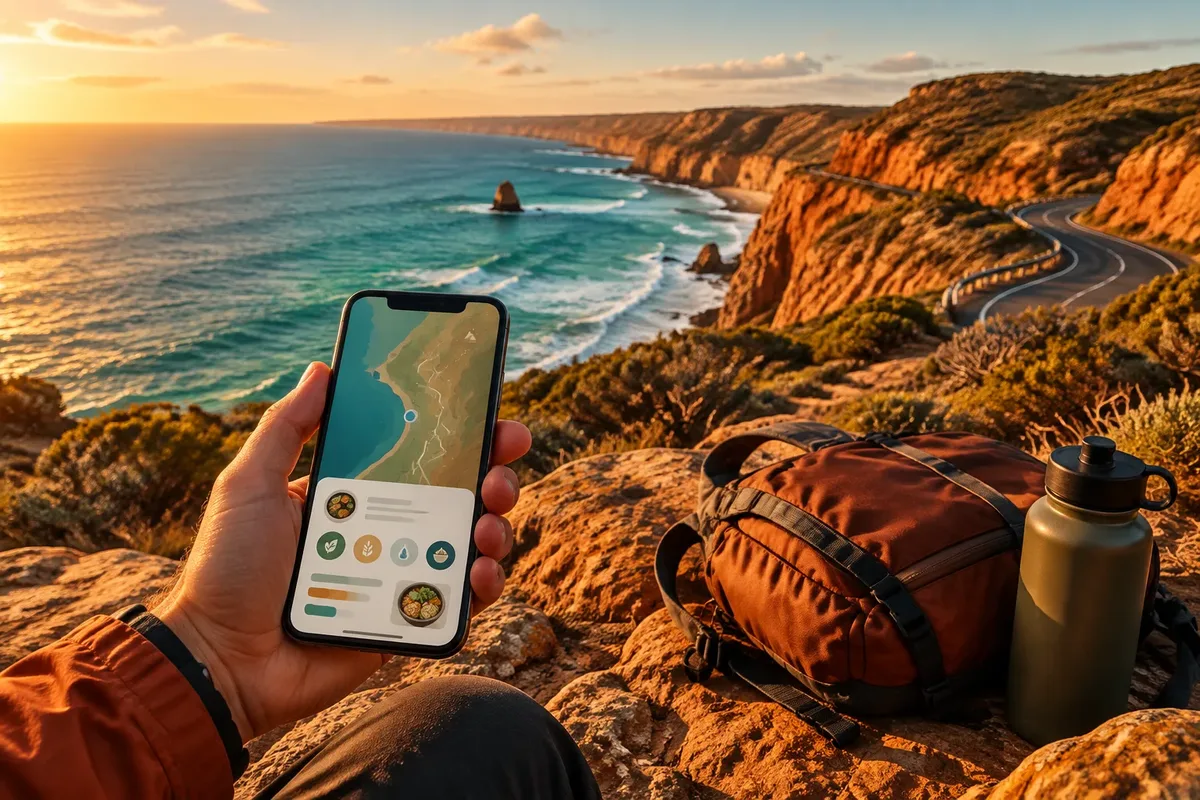
Plan your connection, check phone compatibility, download maps and nutrition information, then control roaming settings and review charges after landing. This simple sequence keeps mobile data overseas available for maps, translation, food delivery, dietary information, and emergency services without turning a short trip into an unexpected bill.
Travel data roaming becomes expensive when a phone connects automatically, backs up photos, refreshes applications, or switches to mobile data after weak Wi-Fi. The safest approach combines a clearly checked travel phone plan with offline resources, low-data habits, and a separate emergency option for travelers managing allergies, medical diets, or unfamiliar ingredients.
Sommaire
Why can travel data roaming create unexpected charges?
Mobile data roaming lets your phone use a foreign network through your home carrier, while the carrier’s billing rules determine the cost. Before departure, identify whether your plan includes international data, requires an add-on, or charges usage separately, because background activity can continue even when the screen is locked.

Roaming is not the same as using Wi-Fi. A phone may leave hotel Wi-Fi when the signal weakens, then use cellular data for messages, cloud synchronization, navigation updates, or restaurant searches. The first cost-control decision is knowing which connection your phone is using.

Large files consume data quickly. Video calls, automatic photo uploads, video streaming, application updates, and high-resolution map downloads deserve attention before the trip.
- Lower-use activities: text messages, compressed web pages, saved translations, and downloaded maps.
- Higher-use activities: video streaming, cloud photo backups, social media videos, and live navigation with frequent map loading.
- Hidden activity: automatic updates, background refresh, email attachments, and device backups.
Yet turning off every connection can create a different problem when you need an emergency call, a booked ride, or an ingredient translation; the sensible target is controlled access, not permanent disconnection.
Choosing between home roaming, an eSIM, a local SIM, and Wi-Fi
The right connection depends on destination, trip length, phone compatibility, expected data use, the need to keep your home number active, and how much setup you accept. Home-carrier roaming is simplest, a travel eSIM is often convenient for compatible phones, a local SIM may suit longer stays, and Wi-Fi works best as a supplement rather than your only plan.
| Option | Useful when | Check before departure | Main limitation |
|---|---|---|---|
| Home-carrier roaming | You need your usual number and minimal setup | Included countries, data allowance, billing trigger, and overage policy | Charges and limits may be unclear outside the included area |
| Travel eSIM | Your phone is unlocked and eSIM-compatible | Destination network, activation method, validity period, and tethering rules | Some plans provide data only, without a local voice number |
| Local SIM card abroad | You are staying longer or need a local number | Phone unlock status, identification requirements, and SIM size | Changing SIMs can interrupt access to your home number |
| Hotel or public Wi-Fi | You need large downloads in a trusted location | Network name, password, privacy, and whether the connection is encrypted | Coverage, speed, and security are inconsistent |
For a short trip with a compatible unlocked phone, choose a travel eSIM over buying a local SIM at the airport. For a longer stay requiring local calls, choose a local SIM. Those are clear decisions when the conditions match.
However, do not assume an eSIM is automatically cheaper. Prices, coverage, speeds, fair-use limits, activation conditions, and available networks change by destination and date, so compare the current plan terms with your carrier’s official international offer before paying.
A dual-SIM travel setup can keep your home line available for verification messages while routing mobile data through the travel line. Set the travel line as the data line, disable automatic data switching, and confirm which number handles calls and messages.
Wi-Fi still has a place. Use it for large downloads in accommodation you trust, avoid entering sensitive information on unknown networks, and remember that a VPN does not remove roaming charges when the phone is already using cellular data.
If your trip involves several countries, confirm that the plan explicitly lists every destination; a plan covering one country may stop working after a border crossing even when your phone remains connected.
How do you prepare your phone before departure?
Prepare the phone while you still have reliable home internet: confirm the plan, install or activate the chosen connection, download essential information, and restrict automatic data use. The preparation is complete when you can find food information, navigate to help, and contact someone even with limited or no mobile data.
Step 1: Check compatibility and plan conditions
Open your phone settings and record the exact model, operating-system version, SIM status, and whether the device is carrier-unlocked. Then read the official plan conditions for destination coverage, activation, data limits, hotspot use, voice calls, text messages, and the point at which extra charges begin.
Confirm eSIM support before purchasing. A plan cannot compensate for incompatible hardware or a locked device.
Save the carrier’s support contact and the plan confirmation while connected to home Wi-Fi. If the provider shows a coverage map, check the cities and rural areas on your itinerary rather than relying on a national label alone.
Also check border zones, ferries, aircraft, and remote roads, where a phone can connect to a different network; manually selecting a supported network may be useful only if the provider’s instructions allow it.
Step 2: Download maps, translations, and nutrition information
Download offline maps for airports, accommodation, hospitals, supermarkets, and planned restaurants, then save language packs and essential translation phrases. For dietary needs, store ingredient terms, allergy statements, dietary restrictions, and a short explanation that can be shown to restaurant staff without an internet connection.

Test the downloads by switching to airplane mode and opening each resource. An icon that appears downloaded may still require a live connection for search, updates, or route recalculation.

Save accommodation details, transport tickets, emergency contacts, insurance information, and any prescribed treatment instructions locally, while keeping sensitive medical information protected with the phone’s security controls.

Step 3: Change roaming and backup settings
Before boarding, open the mobile-network settings and decide which line supplies data, whether data roaming is enabled on that line, and whether automatic switching is allowed. Turn off cloud photo backup, automatic application updates, background refresh, and video autoplay unless you have deliberately included them in the plan.
Use Wi-Fi for large downloads.
Keep mobile data available for maps and emergency communication when your plan supports it, then restrict individual applications that do not need live access. On a dual-SIM phone, label each line clearly so a rushed airport change does not send data through the wrong carrier.
Take screenshots of the relevant settings and the plan confirmation. They provide a quick reference if the interface changes abroad or the phone loses its network profile.
Using less data while finding food and nutrition information abroad
Daily control works best when the phone handles essential tasks first: navigation, translation, reservations, food delivery, and emergency communication. Download large resources over trusted Wi-Fi, use text instead of video, and open nutrition pages before leaving connectivity rather than searching repeatedly at the restaurant.
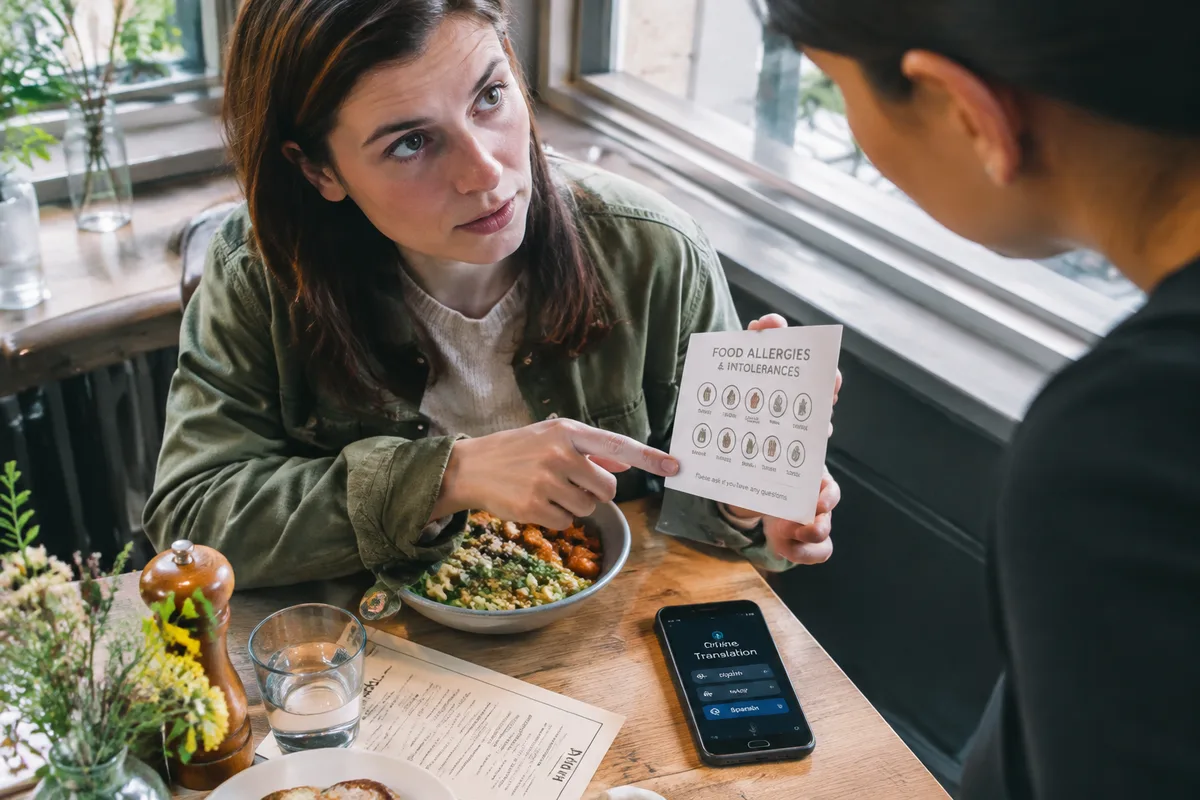
But information access does not guarantee safe food or accurate allergen advice. Check ingredients with restaurant staff, compare labels where available, and treat automatic translations as communication support rather than medical confirmation.
For travelers with an allergy or medical restriction, tell the accommodation and restaurants in advance, verify ingredients, and keep prescribed emergency treatment accessible. A food allergy translation app can help communicate, yet it cannot confirm kitchen cross-contact or guarantee that an advertised dish is safe.
For broader advice on the roaming switch itself, see avoid roaming charges abroad before changing your settings.
Use a simple daily routine:
- Open maps and restaurant information while connected to Wi-Fi.
- Use downloaded maps for route display and live data only when necessary.
- Disable video autoplay and avoid streaming on mobile data.
- Check the phone’s data counter against the provider’s usage dashboard.
- Keep a small offline food list for delays, closed restaurants, or language problems.
Nutrition planning should also cover the physical journey. Pack balanced, shelf-stable snacks such as fruit, a suitable bar, crackers, or nut-based food where permitted, then check current airline, airport, border, and customs rules for food, liquids, infant products, and nutrition products.
Keep perishable food cold. Discard it if its packaging or cold chain has been compromised; perishable food should remain at 4°C or below when chilled, and food should not remain unrefrigerated for more than two hours, or one hour when the surrounding temperature exceeds 32.2°C.
Drink regularly while adapting intake to heat, exertion, humidity, altitude, and the journey, unless a health professional has prescribed fluid restriction. EFSA’s adult reference values, including water from food, are 2.0 litres per day for women and 2.5 litres for men in general conditions; they are reference values, not a personal prescription.
Wash your hands for at least 20 seconds before eating or handling food, especially after transport, toilets, or contact with raw ingredients. If a poultry dish is prepared during a self-catering trip, a food thermometer should show 74°C at the thickest point.
Maintain regular meals without forcing a perfect routine. Hotel breakfasts, restaurants, convenience stores, and delayed transport require flexibility, and starting a supplement or protocol for jet lag without professional advice is a poor shortcut.
Meal timing may interact with the body’s local rhythm, yet it should not be presented as a proven treatment for jet lag; eat at practical local times, protect sleep, and treat caffeine according to timing, amount, sleep goals, and personal sensitivity.
For diabetes, kidney disease, anticoagulant treatment, pregnancy, or another condition requiring a specific diet, obtain individualized instructions before travel. Kidney-related food restrictions can differ before dialysis and during dialysis, so a generic travel checklist cannot replace the plan supplied by the treating team.
When diarrhea, nausea, constipation, or motion sickness occurs, prioritize appropriate hydration and seek medical help for high fever, severe abdominal pain, blood in stool, severe vomiting, or symptoms that fail to improve after the treatment period advised by a clinician.
In case of breathing difficulty, major collapse, or loss of consciousness after eating, call emergency services, give nothing by mouth to an unconscious person, and stay with them until help arrives.
Troubleshooting, checking charges, and completing the travel checklist
When mobile data fails abroad, start with settings and network selection before buying more data or changing providers. Check the active data line, roaming permission, airplane mode, signal, plan status, and available balance, then restart the phone and follow the carrier’s documented network instructions.
Or use this order:
- Confirm that the intended SIM or eSIM is enabled.
- Confirm that mobile data is assigned to that line.
- Check whether data roaming is enabled on the travel line.
- Turn automatic data switching off.
- Move outdoors or to a location with a clearer signal.
- Restart the phone and allow network registration to complete.
- Check the provider dashboard before purchasing an add-on.
Do not buy another package until you know whether the problem is coverage, activation, an exhausted allowance, or a wrong data line. Spending first can create two active plans without restoring service.

Before boarding, verify:
After returning, compare the provider’s itemized bill with the phone’s data counter, noting dates, countries, and active lines. If a charge looks wrong, preserve screenshots and plan terms, contact the carrier through its official channel, and escalate through the relevant communications mediator or consumer authority when the dispute remains unresolved.
Frequently asked questions
Does GPS work without mobile data abroad?
GPS positioning does not require mobile data or Wi-Fi, so your phone can locate you while offline. Searching for places, downloading map areas, live traffic information and route recalculation still require previously downloaded content or an internet connection.

Can incoming calls or voicemail create roaming charges?
Incoming calls can be billed as roaming voice calls, even when they use no mobile data. Listening to voicemail may also generate a roaming call charge, and an unanswered call can create costs when it is redirected to voicemail under the carrier’s routing rules.
Can I share a travel eSIM connection with a laptop or another phone?
A travel eSIM can provide a hotspot only when both the plan and the device support tethering. All connected devices use the same data allowance, so cloud backups, software updates and video streaming can consume it quickly.